Introducing LicenseTrack 1.2.0
Keep every software purchase connected to its renewal.
Track quotes, purchase orders, entitlements, and renewal history in one self-hosted workspace. Now with Registry grouping, generated PO line numbers and more dependable maintenance workflows.
No installation needed for the demo. Sign-in is prefilled; sample changes reset on refresh or logout. See demo limits.
Source-available · Docker Compose or native Linux · Licensing
What's new in 1.2.0
More clarity. From purchase to renewal.
Organise your Registry.
Group by PO, publisher or another column, then add a second level. See line counts, totals by currency and the next end date. Keep the arrangement in a saved view.
Trace every PO line.
Follow a generated line number from the pending order into the license record and CSV export. Numbers stay unique within each PO and are never reused.
Keep maintenance connected.
Find and link existing maintenance consistently across dialogs. Carry coverage through renewals, with included-maintenance alerts for budget owners.
Already running LicenseTrack? Review the 1.2.0 upgrade guide before updating.
One connected record
From the first quote to the next term.
Keep the buying trail through every handoff, alongside your existing purchasing system.
- Sourcing
Capture the request, supplier, quote, and estimated cost.
- Purchase orders
Track pending purchases and the evidence received with each order.
- License records
Record the entitlement, ownership, dates, and supporting documents.
- Renewal
Prepare the next term while preserving the history of the previous one.
Procurement pipeline
Keep the buying trail connected to the license.
Bring the quote, PO, invoice, and entitlement into the same workflow. Convert fulfilled orders into license records, then follow their history back to the purchase.
Follow the procurement workflow →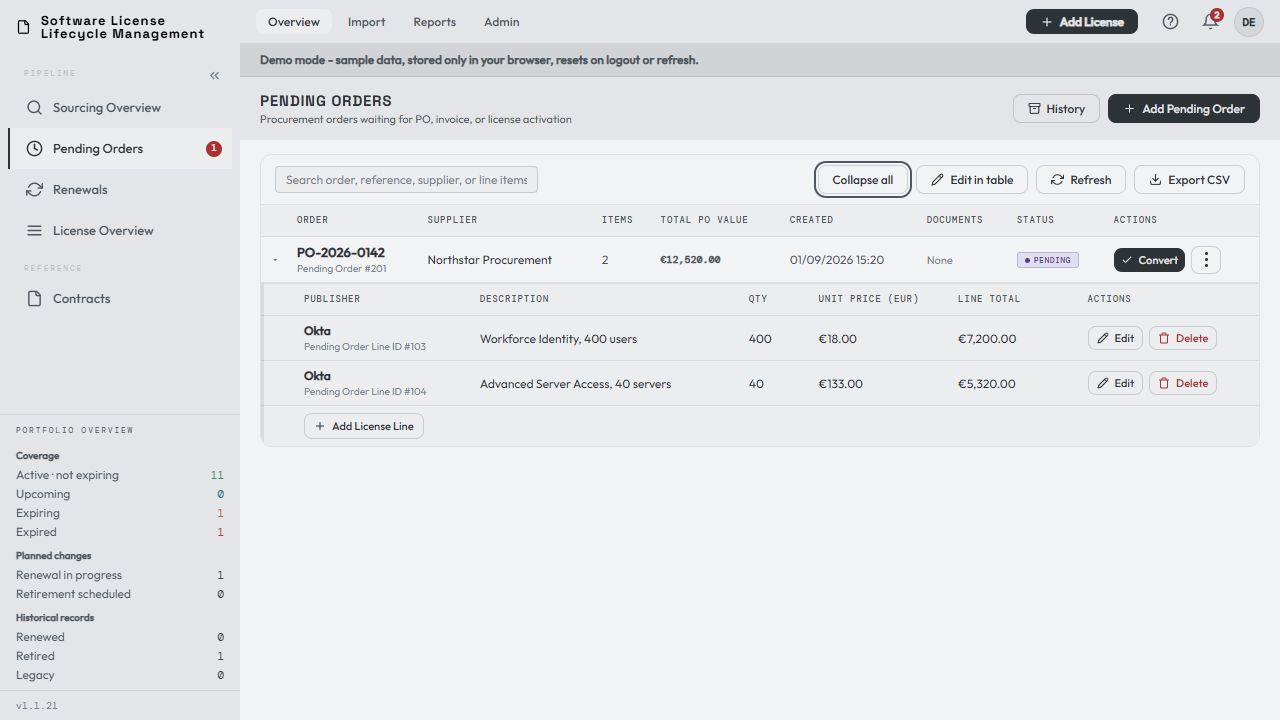
Renewal workbench
Know which renewals need action.
Review approaching dates, overdue terms, and work already in progress. Start sourcing for the next term, or link an eligible license you have already purchased.
Walk through a renewal →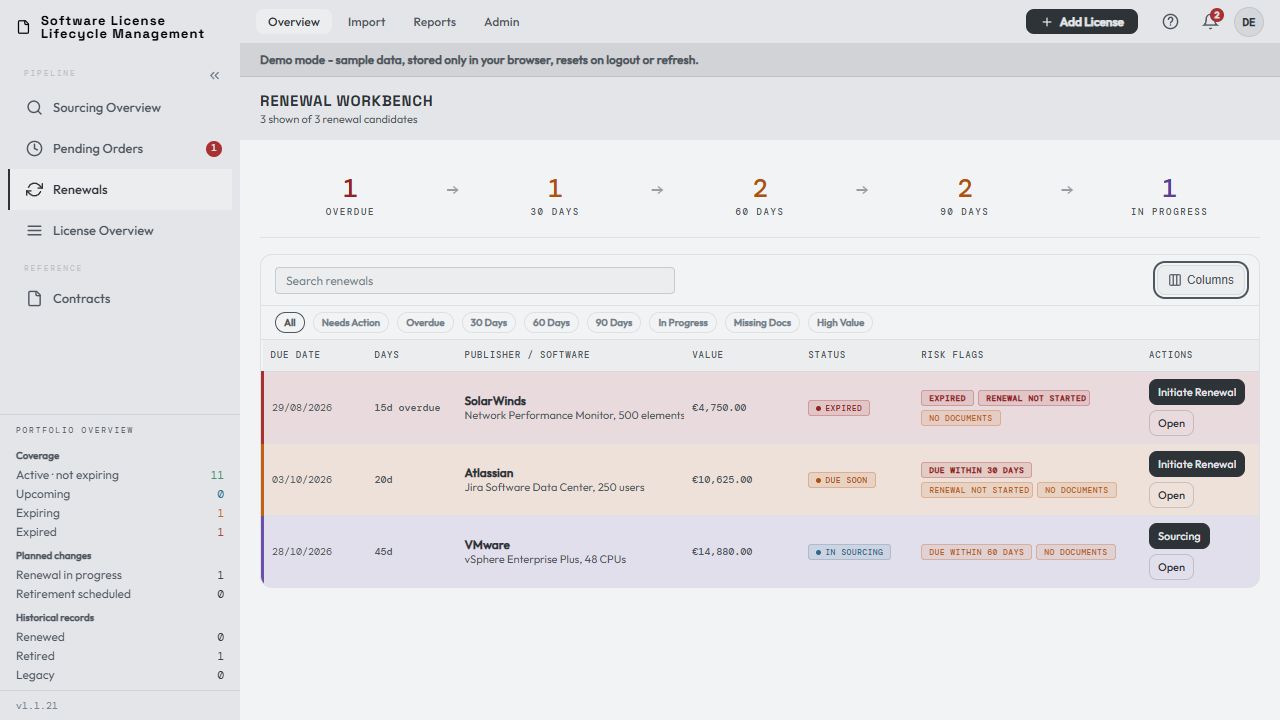
Built for the operational record
The context behind every license.
Use LicenseTrack as your central registry or alongside discovery and compliance tools. It records procurement and entitlement evidence; it does not scan installations or reconcile compliance.
Check the product's fit →- Registry
- Search, column grouping, saved views, PO line numbers, custom fields, completeness checks, and CSV import and export.
- Evidence
- Quotes, purchase orders, invoices, entitlements, and contracts linked to the right records.
- Reports
- Spend, publisher and supplier views, renewal calendars, and PDF exports.
- Administration
- Roles, audit history, database backups, optional SSO and email alerts, and API integrations.
Try it with sample data
Three ways to explore.
Choose a starting point. Each guide uses records already in the demo.
Inspect a license and its contract
Find Atlassian Jira. Check its owner, dates, and linked agreement.
Follow a purchase into the registry
Take the Datadog request through a pending order to a license record.
Start an upcoming renewal
Use the Jira renewal to see how the next term begins in sourcing.
Record changes are temporary. CSV import, license file operations, and server services need an installed instance; contract downloads are placeholders. Full demo limits.
Your next step
Explore first. Bring your own records when ready.
Try the sample workflows, then choose Docker Compose or native Linux for your own deployment.