First launch, login & admin setup
Open the browser-facing URL you configured during installation. For a local
Docker setup with the default port, this is http://localhost:8080. For a native
installation, use the URL chosen in the installer. You should reach the sign-in screen:
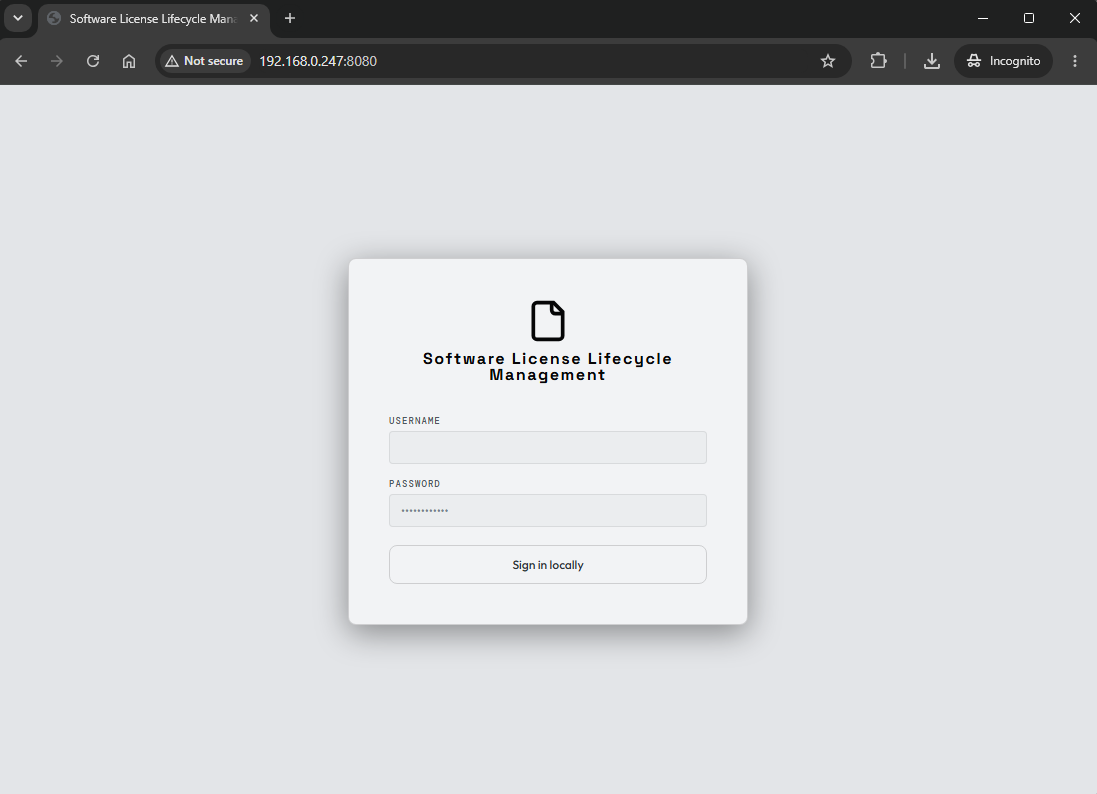
Sign in
Log in with the username admin and the initial admin password you set in
.env for containers or supplied to the native installer. You will immediately
be prompted to change it:
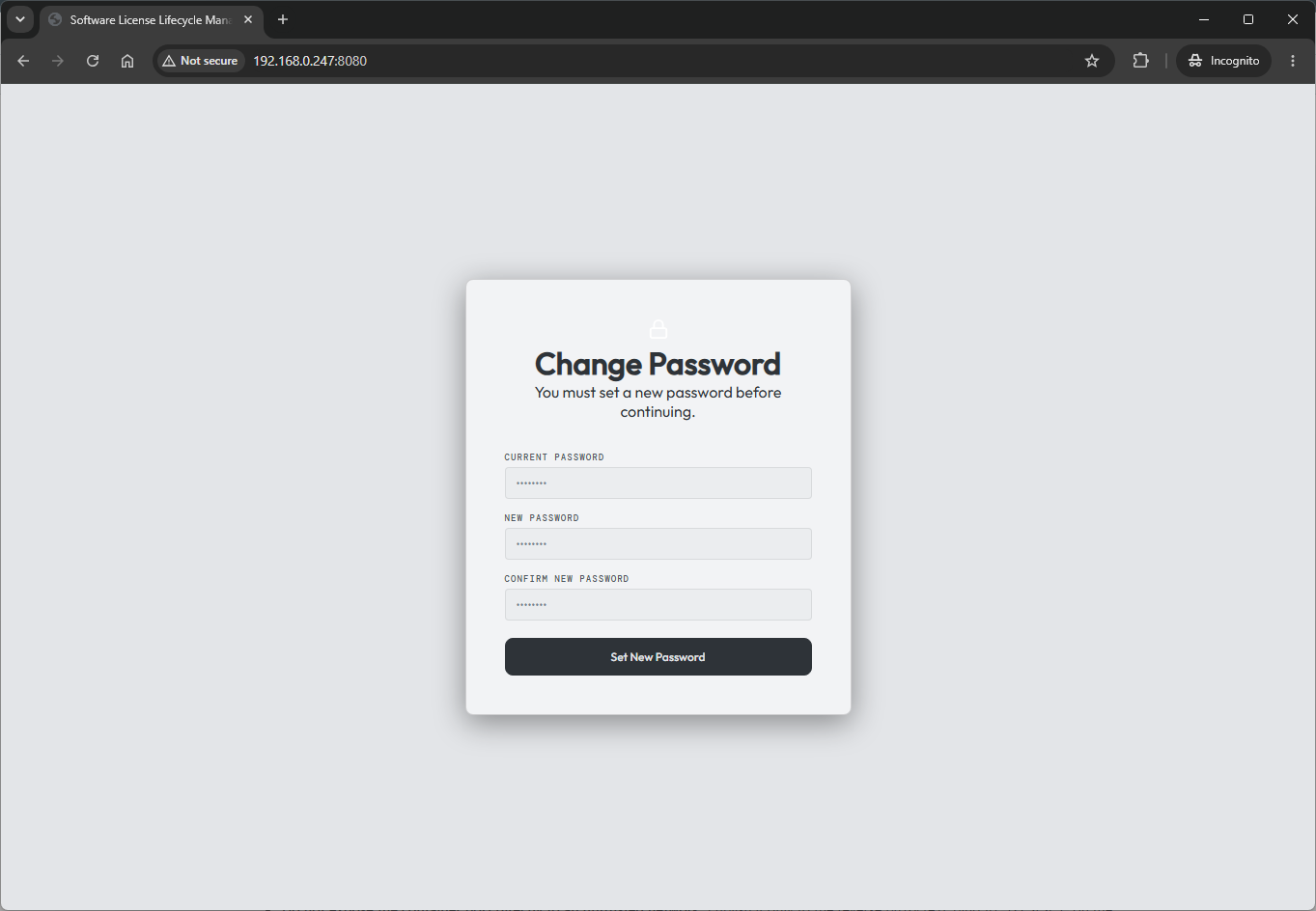
Set and save your new password. This is your break-glass admin password for the installation — store it somewhere safe.
Log in with the new password and the setup is complete.
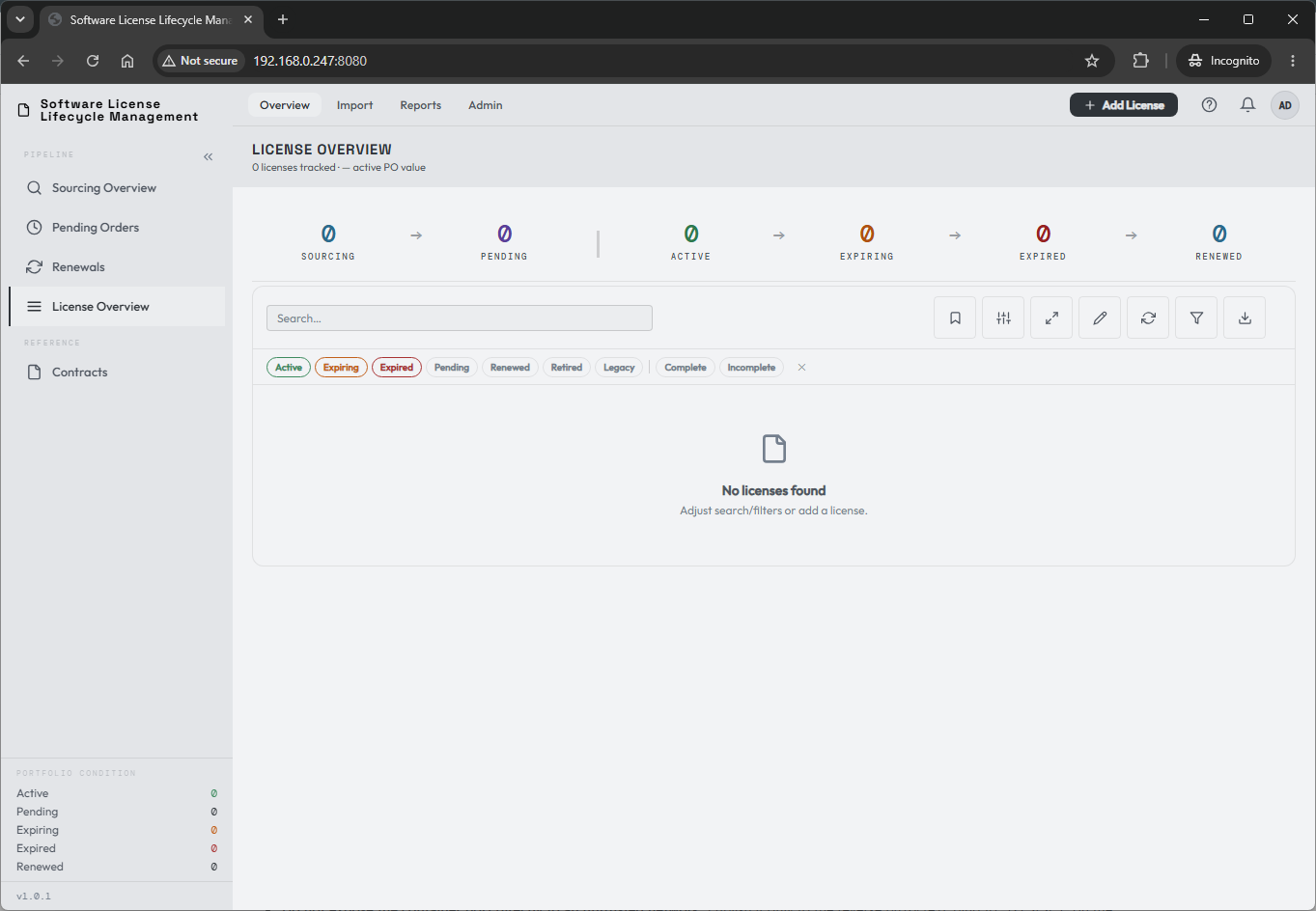
Make it yours
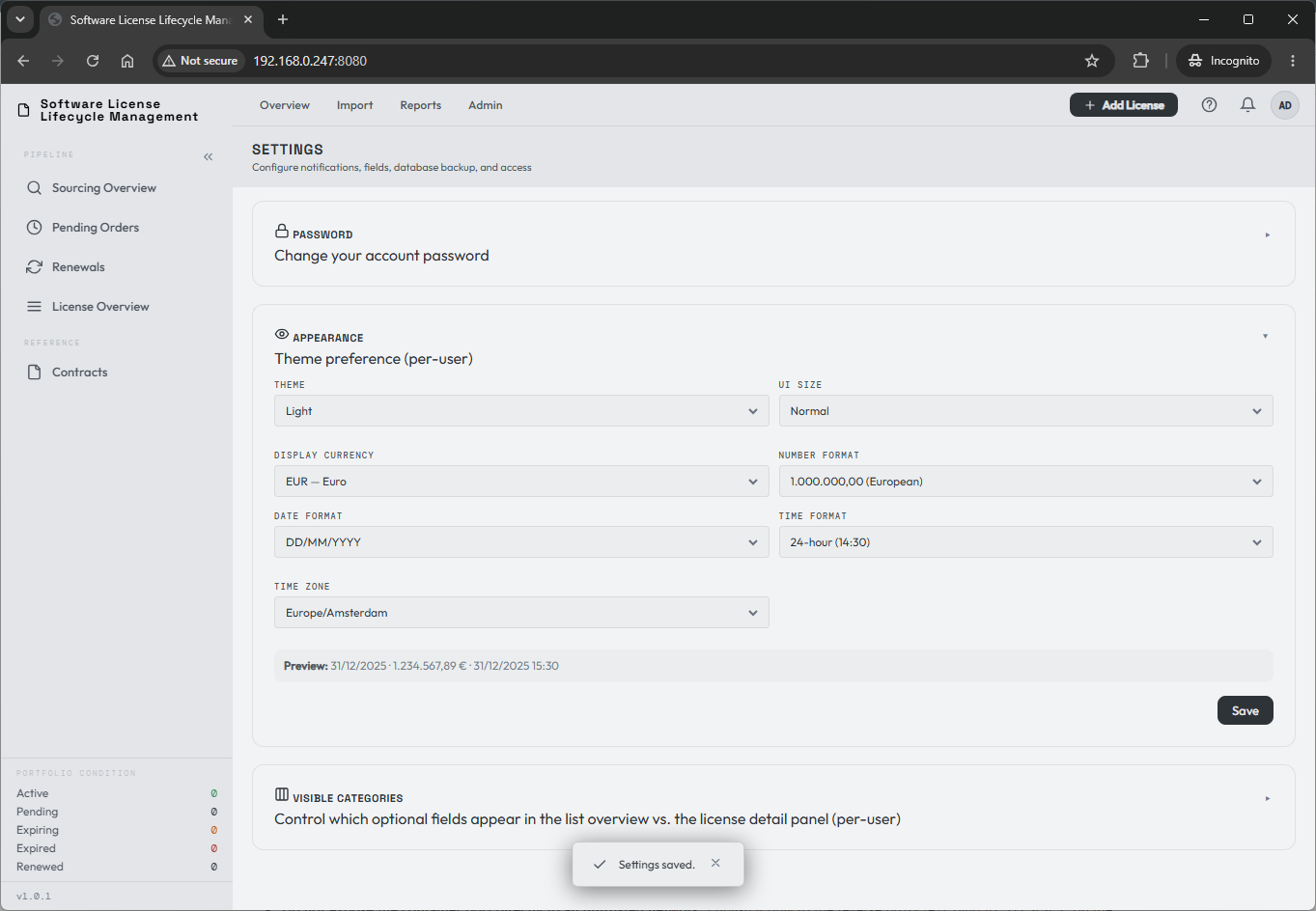
Open your personal settings to check number format, date format, and time zone before entering data. Display currency and UI size are also configured per user, and so is whether the sidebar shows the Portfolio overview (shown by default).
You are ready to import a few license records. For a new purchase instead, start with the procurement workflow.