Installation
For this example installation I am using an Ubuntu 22.04 LTS server, accessed over SSH with PuTTY. Any Linux host with Docker (or Podman) will work.
1. Access your server
Connect to your machine through your own means and move to the working folder where you want LicenseTrack to live. In this example that is the user's home directory.
2. Download the latest release
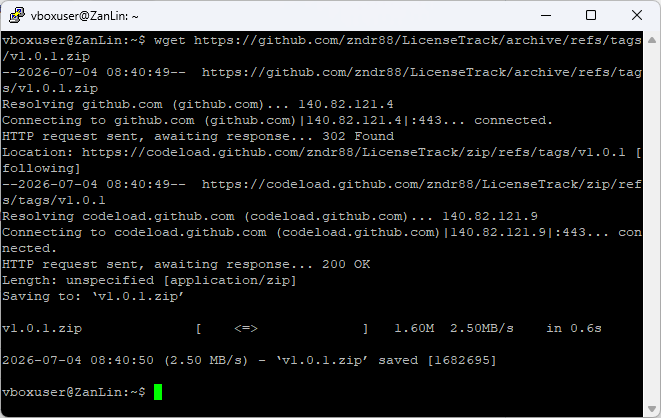
Grab the latest release from GitHub. Here I use wget:
Always use the current latest version
The commands here use v1.2.1. Check the latest release and substitute its version tag throughout. Some screenshots show an earlier version; the installation steps below apply to 1.2.1.
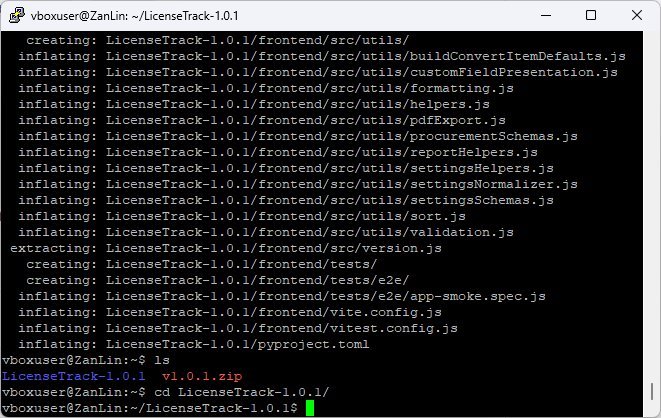
3. Unzip and enter the folder
4. Create your environment file
Create your own .env from the provided example:
Generate a JWT secret:
Copy that value somewhere safe, then open the .env file in the editor of your choice (I prefer vi) and paste it in as your JWT_SECRET.
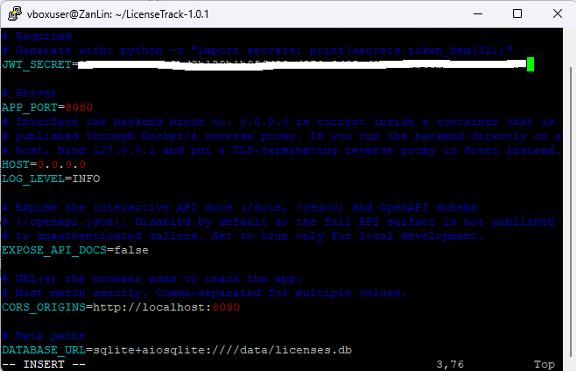
Change any other setting you like — for this example we keep the defaults. Scroll down to ADMIN_PASSWORD and set a non-standard first-time password. You will be required to change it on first login.
Startup rejects weak values
The app refuses to start if JWT_SECRET is missing or unsafe, or if ADMIN_PASSWORD is blank or a common default such as admin, password, or changeme. Pick a real password here.
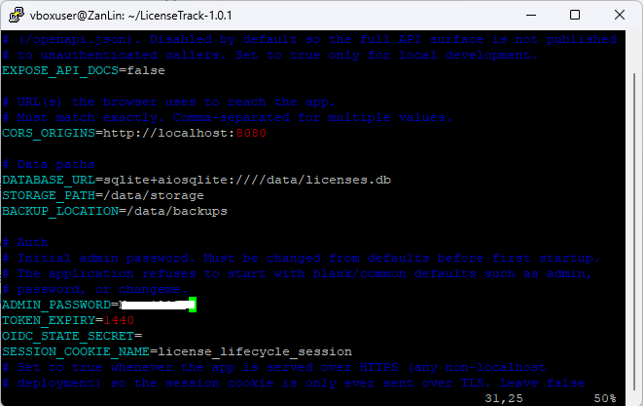
Save and exit the file.
Keep your .env private
Your .env holds your JWT secret and admin password. Never commit it to source control or share it.
5. Launch
We are ready to launch. This example uses Docker (Podman works too):
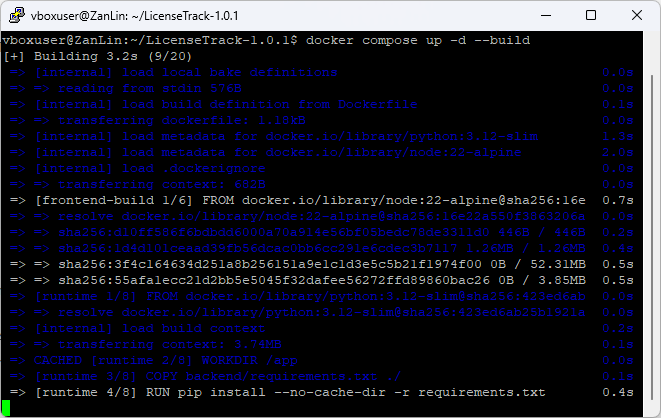
Wait for it to finish — it downloads the dependencies and builds the image, so the first run takes a few minutes.
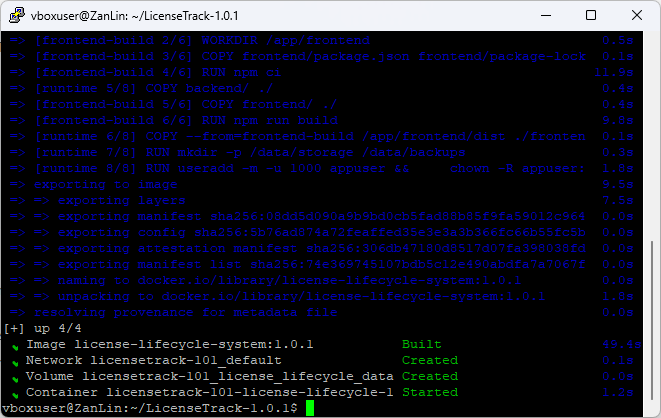
6. Verify
Once the stack is up, confirm the API is healthy:
You should get back:
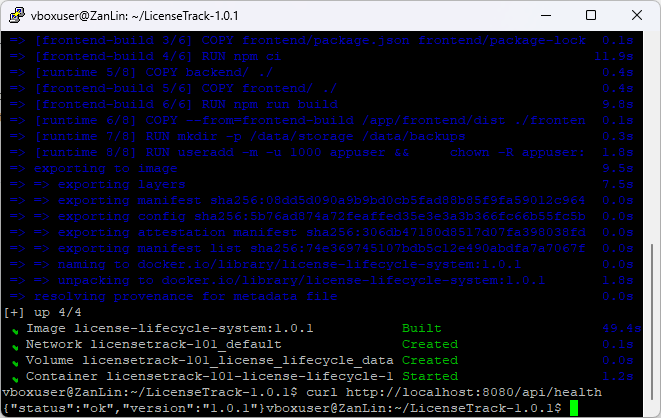
Once verified, you can log off the server. The next steps happen from your local machine.
Deploying for real?
This walkthrough gets you a working instance with default settings. Before exposing LicenseTrack beyond your own machine — HTTPS, reverse proxy, CORS, the full configuration reference — read Production deployment & hardening.